What’s New?
You can now quickly view your Sales Summary for the Last Month right from the dashboard.
Navigation:
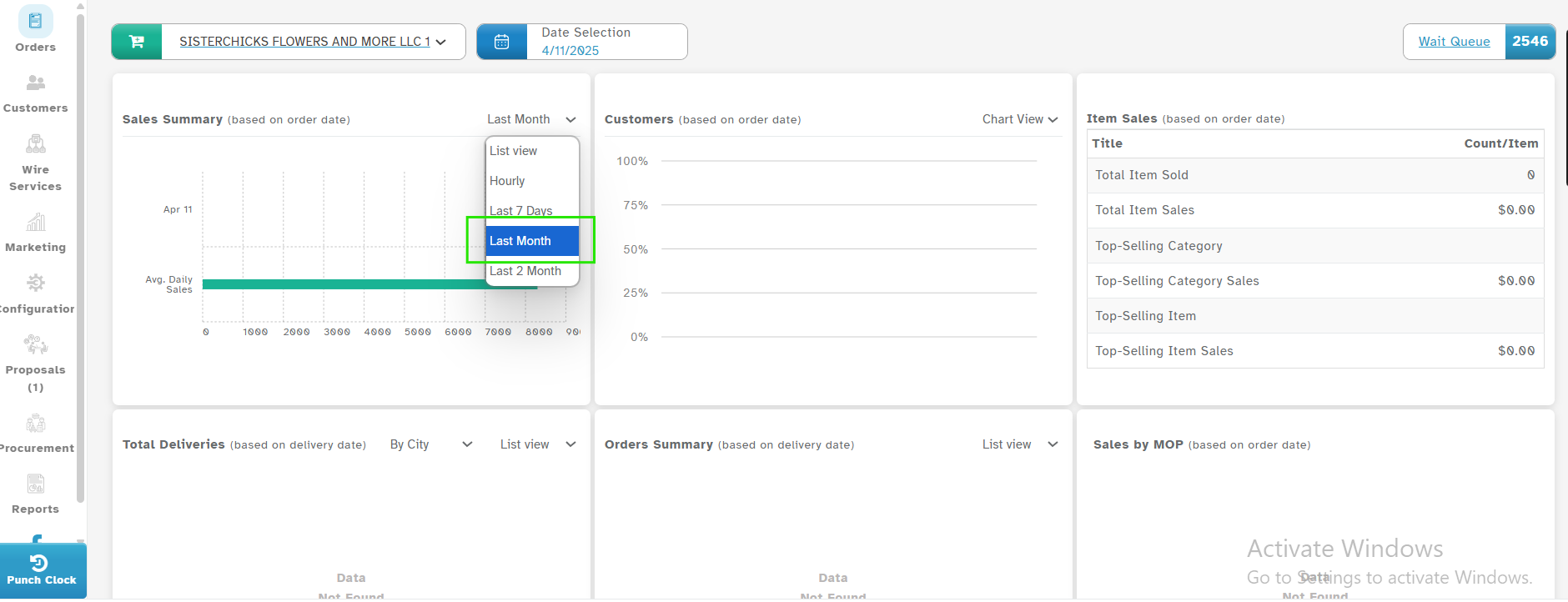
Dashboard → Sales Summary chart → Filter dropdown → Select “Last Month”
The option "Last Month" is added along with the existing filters.
How it Works
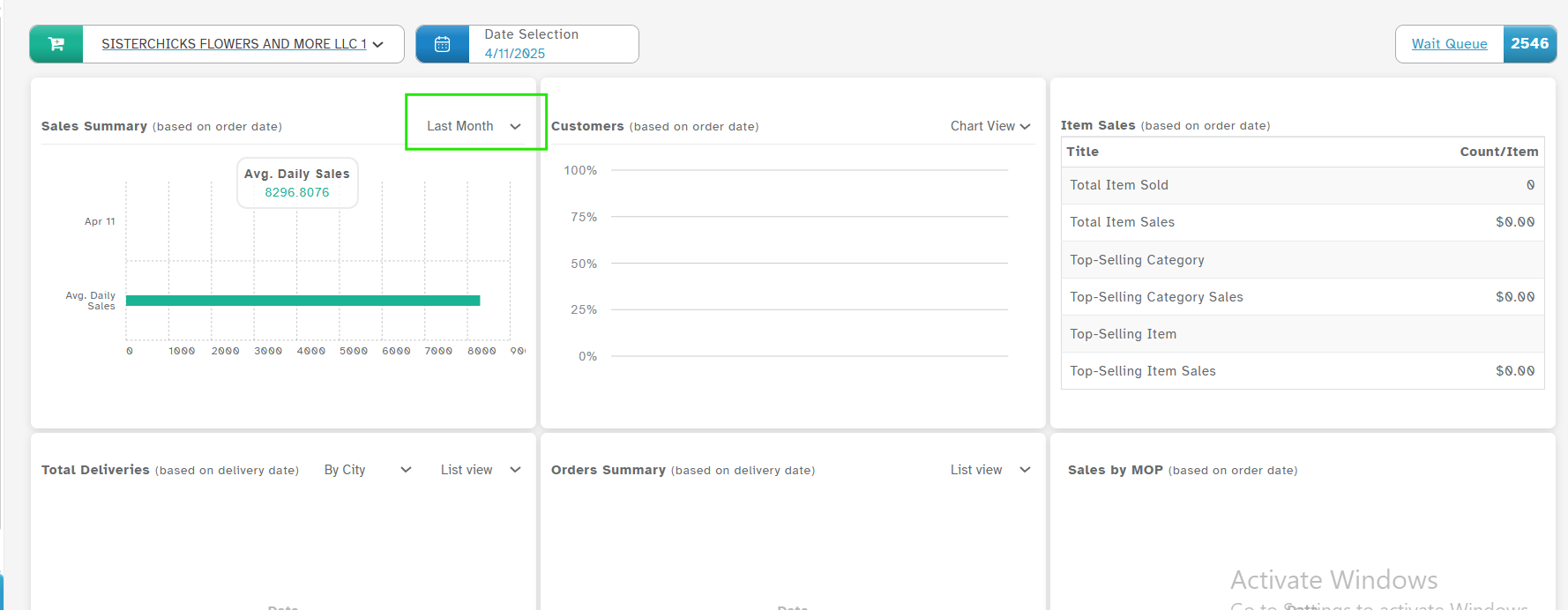
Choose Last Month from the filter list to instantly see sales data for the previous calendar month.
The chart will refresh and show total sales, trends, and comparisons for the selected month
Why It’s Helpful
Instantly see last month’s sales performance
Useful for reporting and comparisons
Saves time — no need for manual filtering or exporting
Was this article helpful?
That’s Great!
Thank you for your feedback
Sorry! We couldn't be helpful
Thank you for your feedback
Feedback sent
We appreciate your effort and will try to fix the article