What’s New?
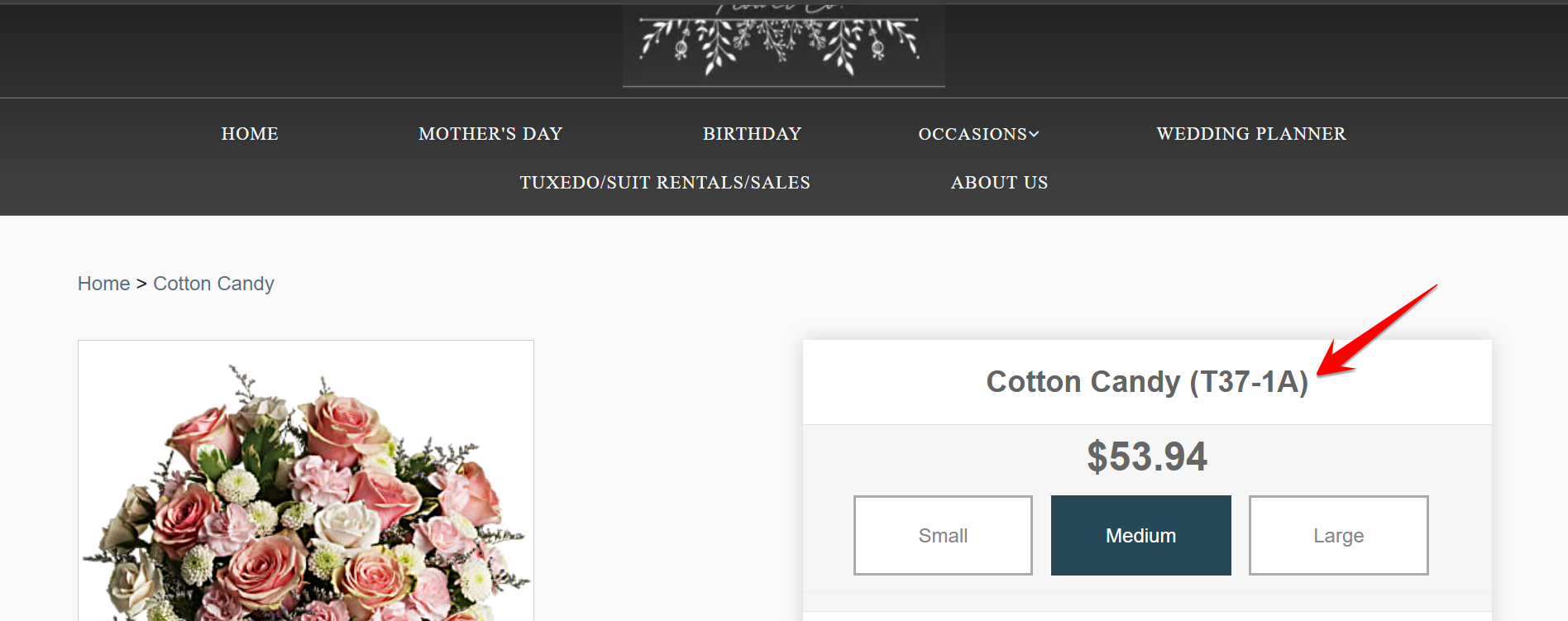
Florists now have the option to display or hide Product Item Codes on product detail pages using a new setting in Website Configuration
Navigation
Dashboard → Configuration → Web Admin → Settings → Website Configuration
How It Works
- Enable or Disable the settings: Turn the switch ON to display item codes on the product page, or OFF to hide them.
- When enabled: The item code appears near the product name on the product detail page in the Website.
- When disabled: The item code will not be visible to customers.

Was this article helpful?
That’s Great!
Thank you for your feedback
Sorry! We couldn't be helpful
Thank you for your feedback
Feedback sent
We appreciate your effort and will try to fix the article