HanaViewers2 is a mobile application designed to help floral businesses simplify two key operations: confirming deliveries and marking designs as complete. It integrates seamlessly with the Hana POS system and empowers staff like drivers and designers to manage order statuses in real-time—directly from their mobile devices.
Available on both the App Store and Google Play, HanaViewers2 enhances transparency, improves communication, and ensures smooth operational workflows.
Before Accessing the App
Before using HanaViewers2, each driver or designer must be added as an employee in Hana POS.
If you can't log in to the app, it’s likely because your account hasn’t been created yet in the POS. Your flower shop’s owner or manager must complete this step.
For instructions, refer to: How to Add a New Employee: Designer, Driver, or Salesperson
Once added in POS, you’ll receive a username and password from your flower shop to use within the app.
Getting Started
Download HanaViewers2
Available on both iOS and Android app stores.
Search for HanaViewers2 and install it on your device.
Log In
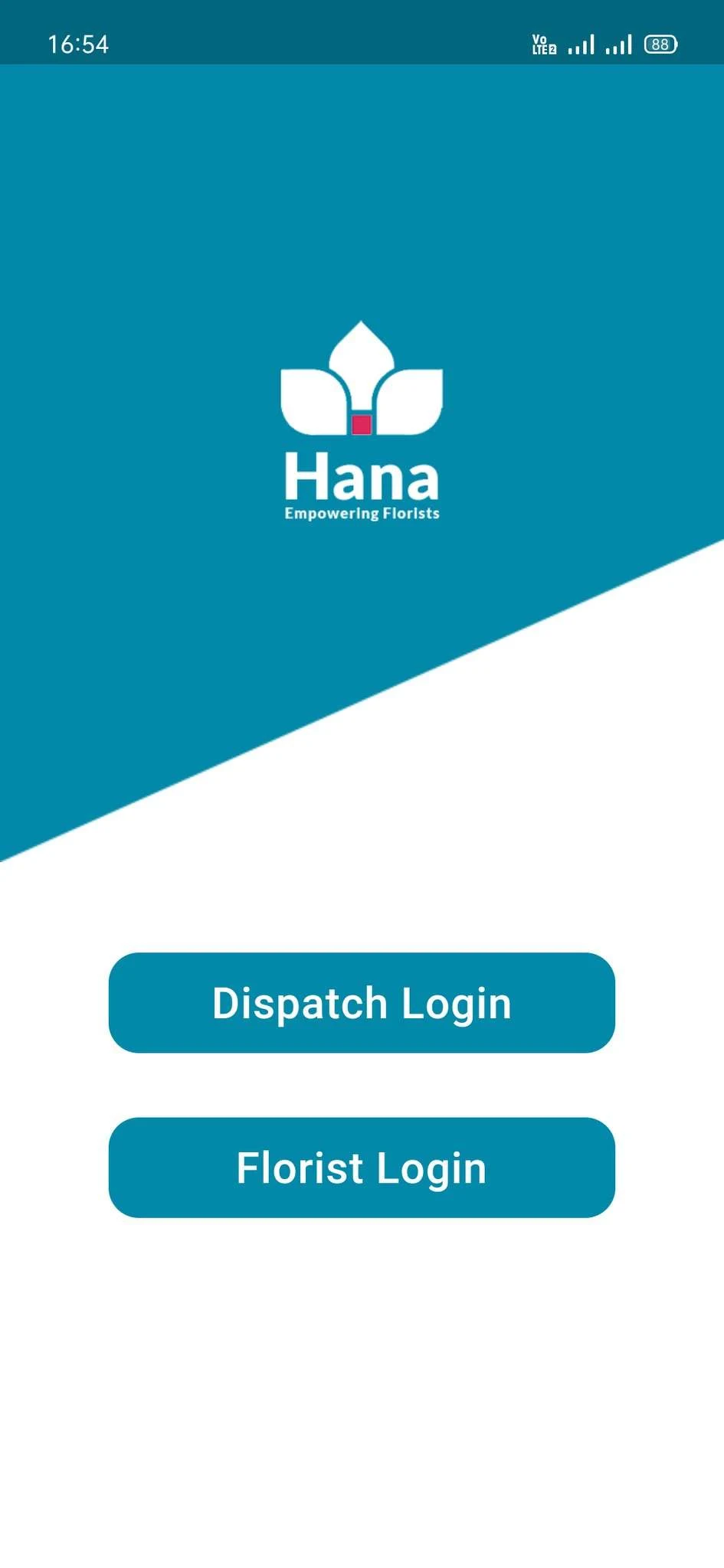
Use the credentials provided by your shop owner or manager.
If you haven’t received login details, check with your manager to ensure your account has been created in the POS.
Dispatch Login is for the drivers and Florist Login is for the designers.
Start Using the App
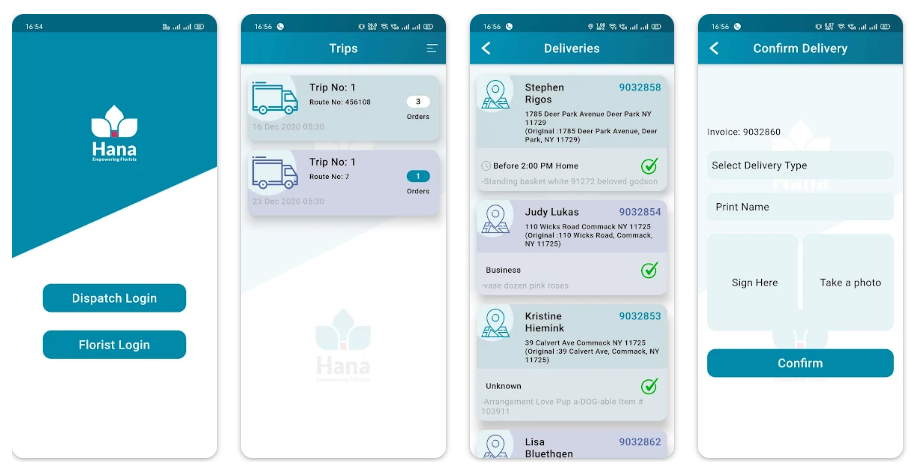
Once logged in, the app will display orders assigned to you—either for delivery or for design completion.
Tap into each order to begin confirming status, uploading images, or capturing signatures.
Key Features
1. Delivery Confirmation
Drivers can view a list of assigned deliveries for the day.
After making the delivery, tap on the order to confirm completion.
Capture a photo of the delivered product as proof.
Take a recipient’s signature directly in the app as confirmation of delivery.
The delivery status is updated instantly in Hana POS.
2. Design Completion Confirmation
Designers can view all assigned designs that are pending.
Once an arrangement is finished, mark it as “Design Completed.”
Optionally attach a photo of the finished product for internal or customer-facing use.
3. Image Capture
Both drivers and designers can capture and upload images.
These images help track product quality and serve as confirmation of work completed.
4. Real-Time Sync with Hana POS
All updates made in HanaViewers2 reflect instantly in the POS.
This ensures that the dispatch team, customer service, and management are always in sync.
Benefits of Using HanaViewers2
Accountability: Track who completed which task and when—great for performance monitoring and customer service.
Efficiency: Reduce back-and-forth communication and manual updates.
Proof of Work: Signatures and photos provide confirmation for every completed delivery or design.
Customer Satisfaction: Keep customers in the loop with accurate, timely updates.
What’s Next?
This overview connects to the following in-depth guides:
Was this article helpful?
That’s Great!
Thank you for your feedback
Sorry! We couldn't be helpful
Thank you for your feedback
Feedback sent
We appreciate your effort and will try to fix the article