Pending deliveries in Hana POS refer to delivery orders that have not yet been loaded into the truck (dispatched) for a selected date. These can be tracked from both the Dashboard and the Orders Page.
This guide outlines the steps to view pending deliveries from the Orders Page. Similar steps can be followed from the Dashboard.
Steps to View Pending Deliveries
Step 1: Access the Orders Page
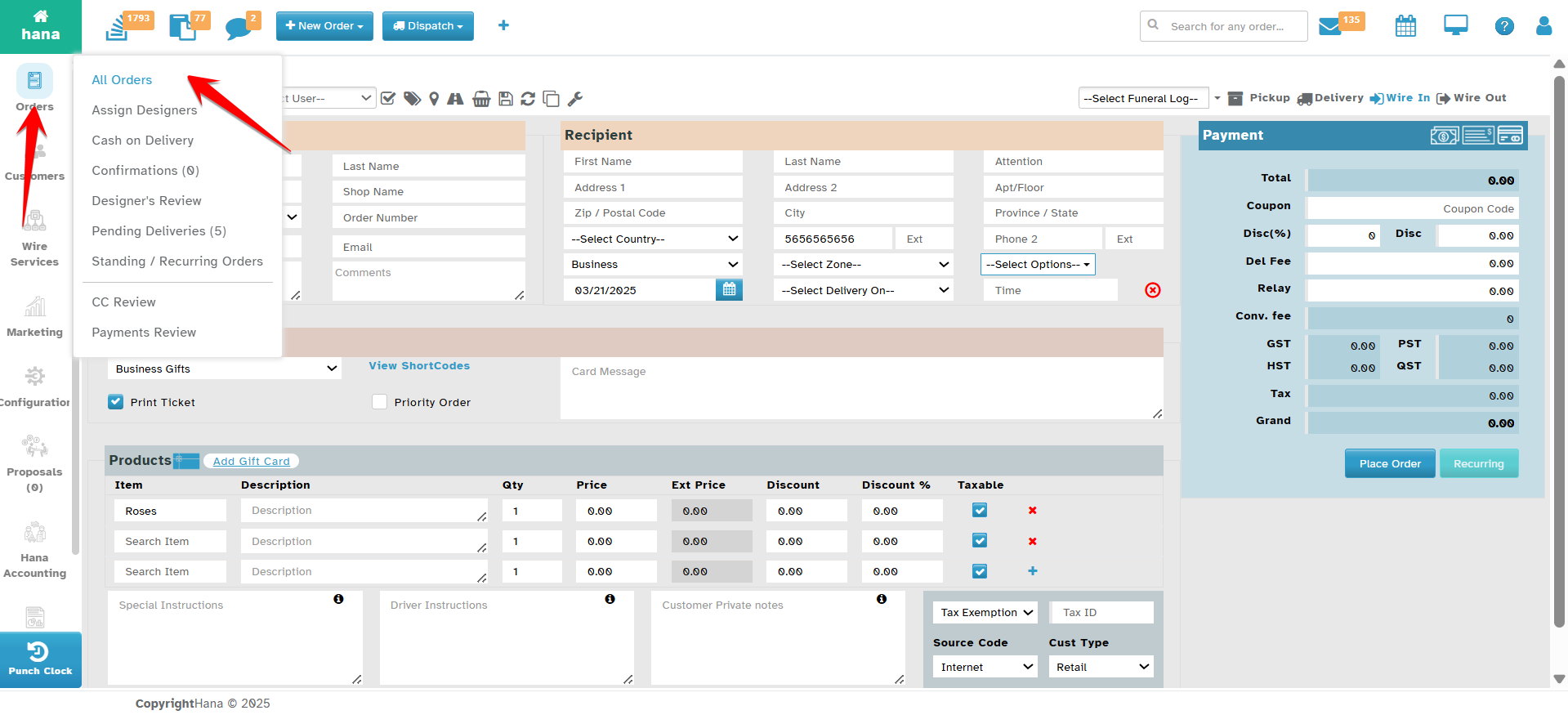
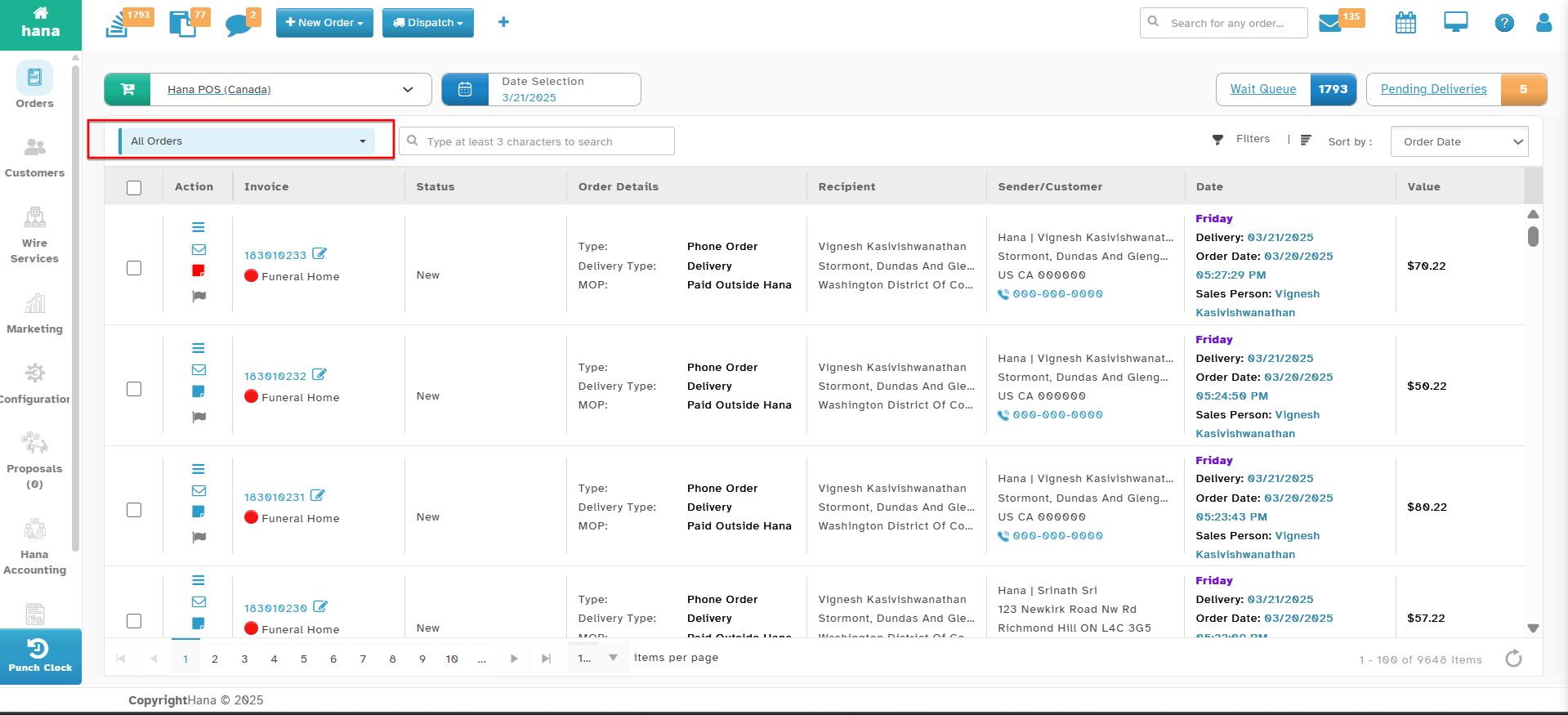
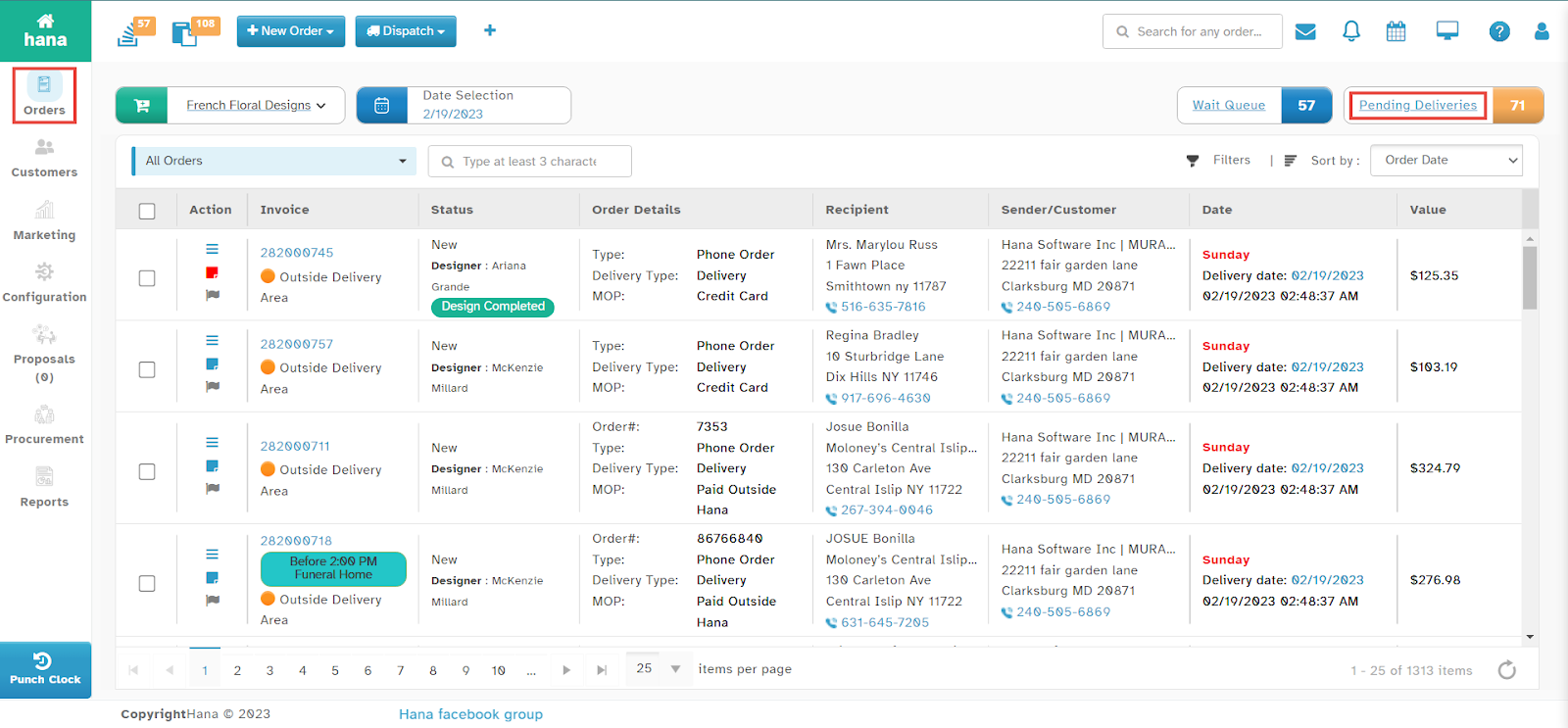
Navigate to Orders.
The Orders Page will be displayed.
Step 2: Open the Pending Deliveries List
Click Pending Deliveries.
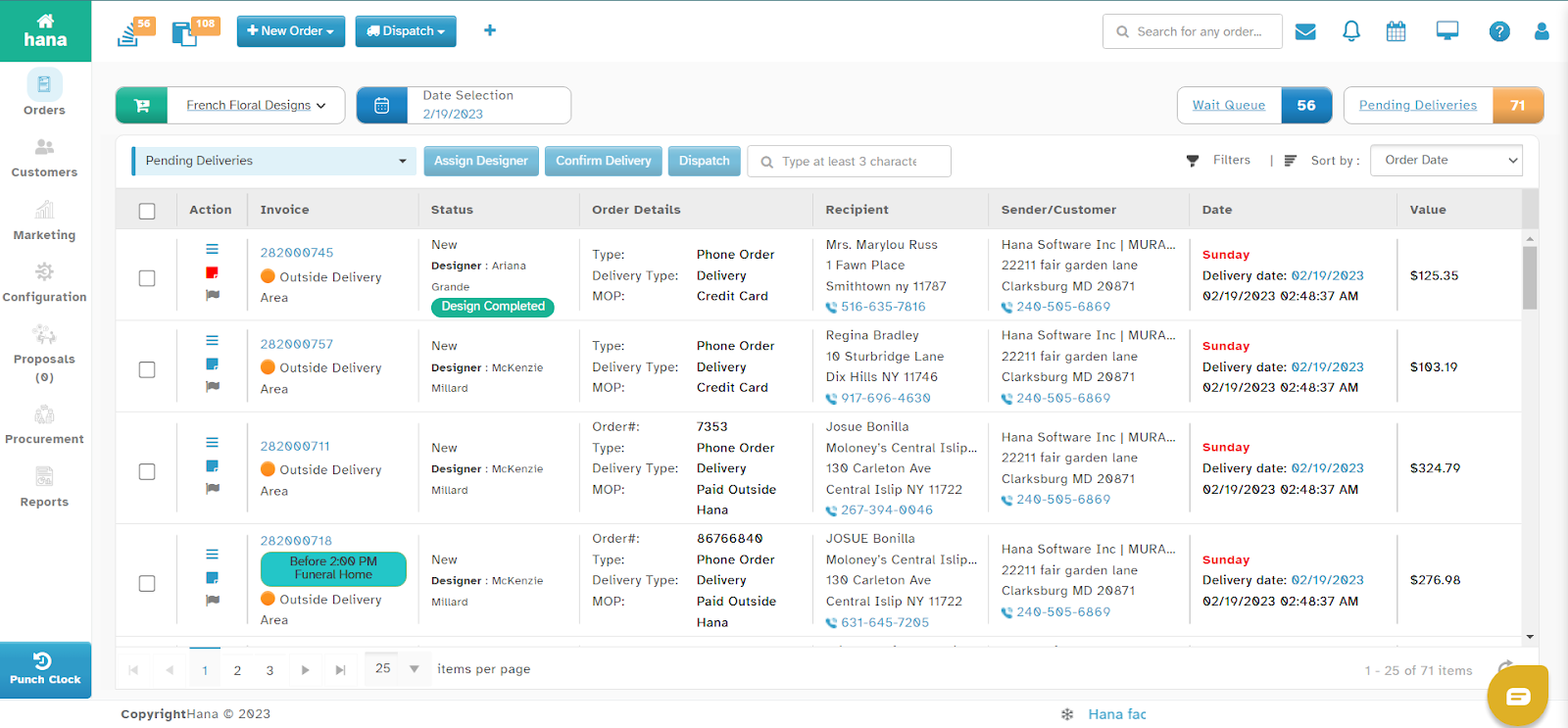
The list of pending deliveries will be displayed.
Step 3: View Order Details
Click anywhere in the order row to view full order details.
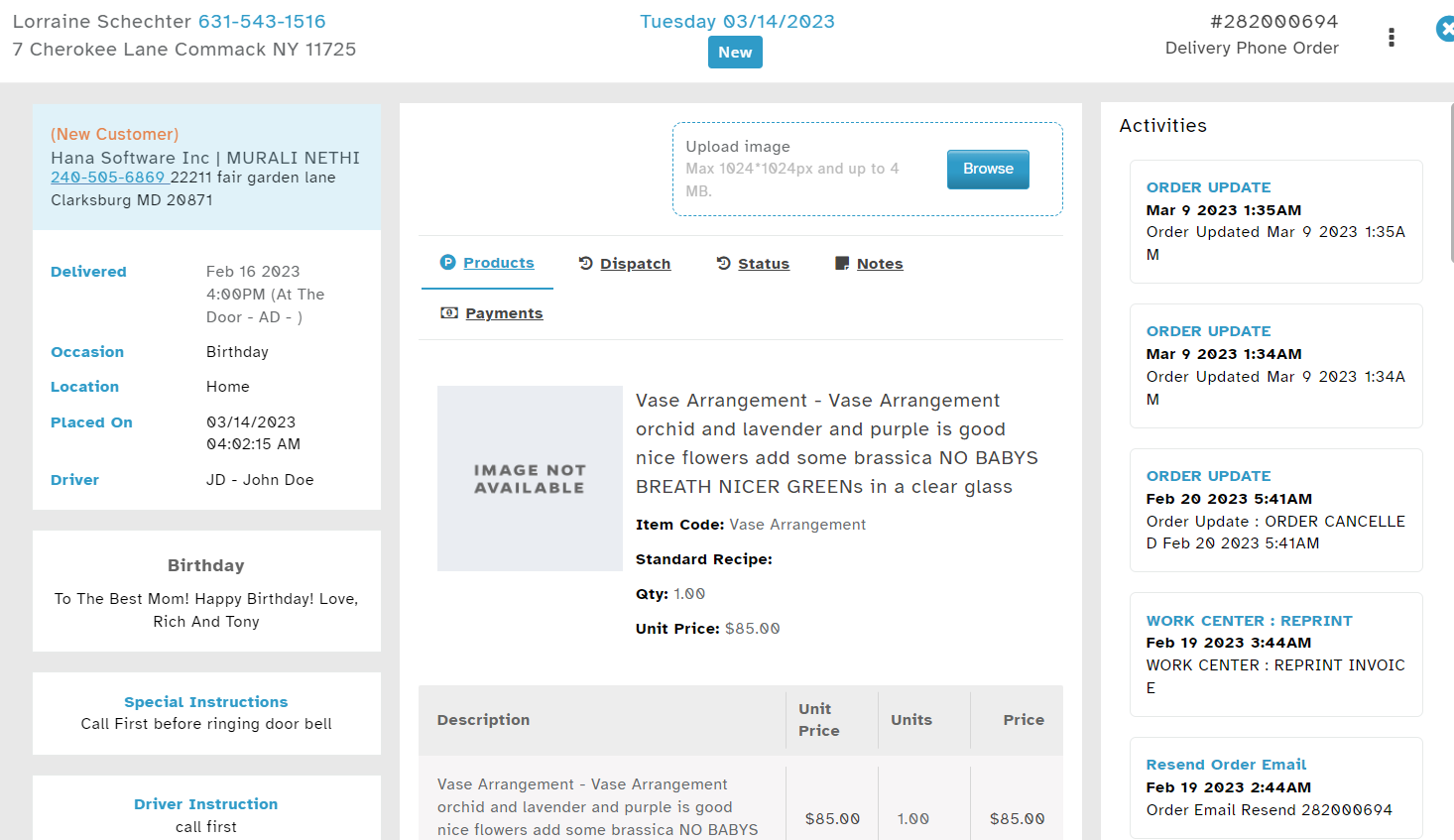
By following these steps, you can efficiently track and manage pending deliveries within Hana POS.
Was this article helpful?
That’s Great!
Thank you for your feedback
Sorry! We couldn't be helpful
Thank you for your feedback
Feedback sent
We appreciate your effort and will try to fix the article