Hana POS offers multiple payment options to accommodate customer preferences and business needs. Each payment type is designed to provide flexibility in handling transactions efficiently. This guide outlines the various payment methods available and their respective requirements.
Available Payment Types
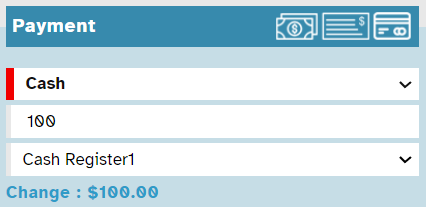
1. Cash
Select this option when the customer is making a cash payment.
Enter the amount received in the Cash Received field.
Choose the appropriate cash register from the Cash Registry dropdown list.
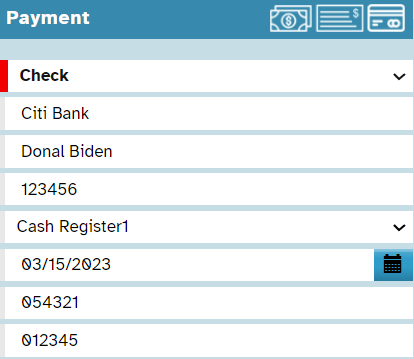
2. Check
Choose this option for check payments.
Enter mandatory details:
Bank Name
Name on Check
Check Number
Select the cash register from the Cash Registry dropdown list.
Choose the check date from the calendar.
Enter the Account Number and Routing Number.
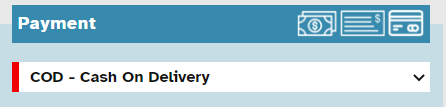
3. COD (Cash on Delivery)
Select COD if the customer will pay when they pick up the order or when it is delivered.
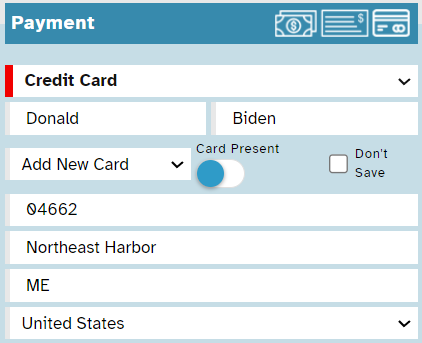
4. Credit Card
Select this option for credit card payments.
If the customer is new, enter:
First Name
Last Name
Click Add New Card and input:
Credit Card Number (CC Number)
CCV
Expiry Date (MMYY)
Billing Information (Zip/Postal Code, City, State, and Country)
Check Don’t Save if the customer does not want their card details stored.
If the customer is existing, enter the saved card details.
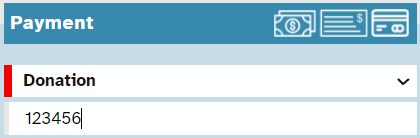
5. Donation
Select this option when a customer is making a donation.
Enter the EIN Number (Unique Tax ID) for tax-exempt donations.
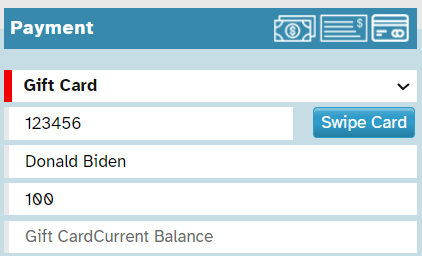
6. Gift Card
You can use this option if the customer is redeeming a gift card.
Enter the following details:
Gift Card Number
Customer Name
Gift Amount
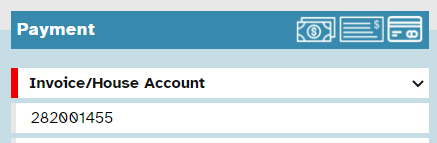
7. Invoice/House Account
Choose this option if a customer pays for multiple orders weekly, biweekly, or monthly.
Typically used for corporate clients and frequent customers.
Enter the Purchase Order Number (PO Number).
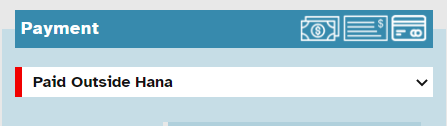
8. Paid Outside Hana
Select this option if the payment is external to Hana, such as ACH, money order, PayPal, etc., via a third-party provider such as bank or Paypal or Venmo etc..
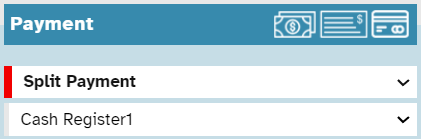
9. Split Payment
You can use this option when a customer wants to split the bill between multiple payment methods.
Examples:
Gift card + cash
Gift card + credit card
Two credit cards
Credit card + cash
After selecting Split Payment, choose the appropriate Registry.
10. Write Off
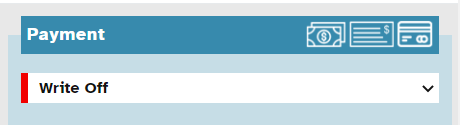
A Write-Off Payment Method is used in accounting to remove an uncollectible amount from a company’s accounts receivable. It is typically applied when a debt is deemed unrecoverable, such as unpaid invoices or bad debts. Instead of keeping the amount as outstanding, it is recorded as a loss in the financial statements, ensuring accurate bookkeeping. This method helps businesses maintain realistic financial records and comply with accounting standards.
Apart from the above, florists can create their payment methods. We recommend not adding too many new payment methods and use several other means available in Hana to track
Was this article helpful?
That’s Great!
Thank you for your feedback
Sorry! We couldn't be helpful
Thank you for your feedback
Feedback sent
We appreciate your effort and will try to fix the article