Step 1: Go to Cash and Carry

Step 2: Select Items to purchase by clicking on the preset Items found on the left side or alternatively, you can add an item by entering it manually on the Item Code box and then click Add
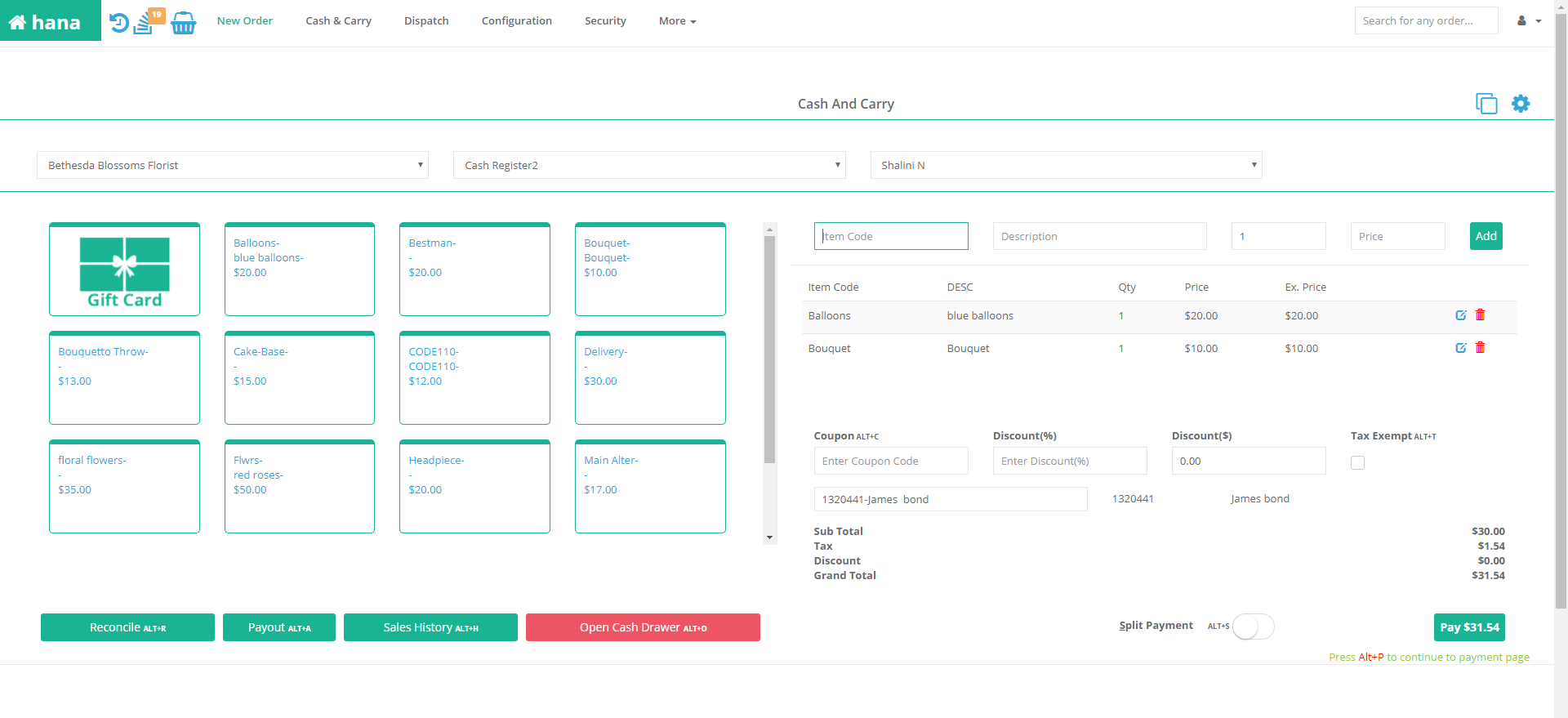
Step 3: After adding the items to purchase, click Pay
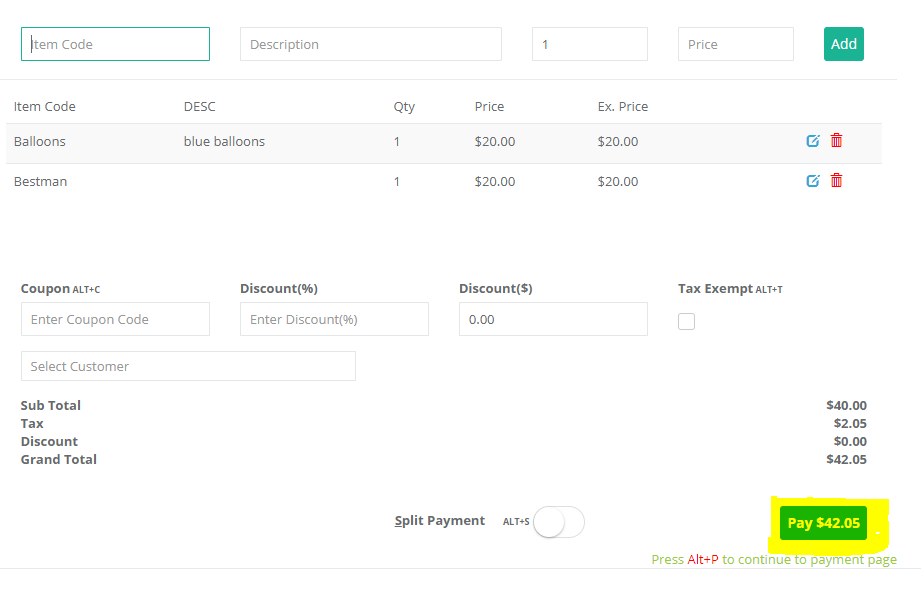
Step 4: Click Gift Card for mode of payment, then enter the customer's Gift Card number and Payment Amount, then click Process Payment

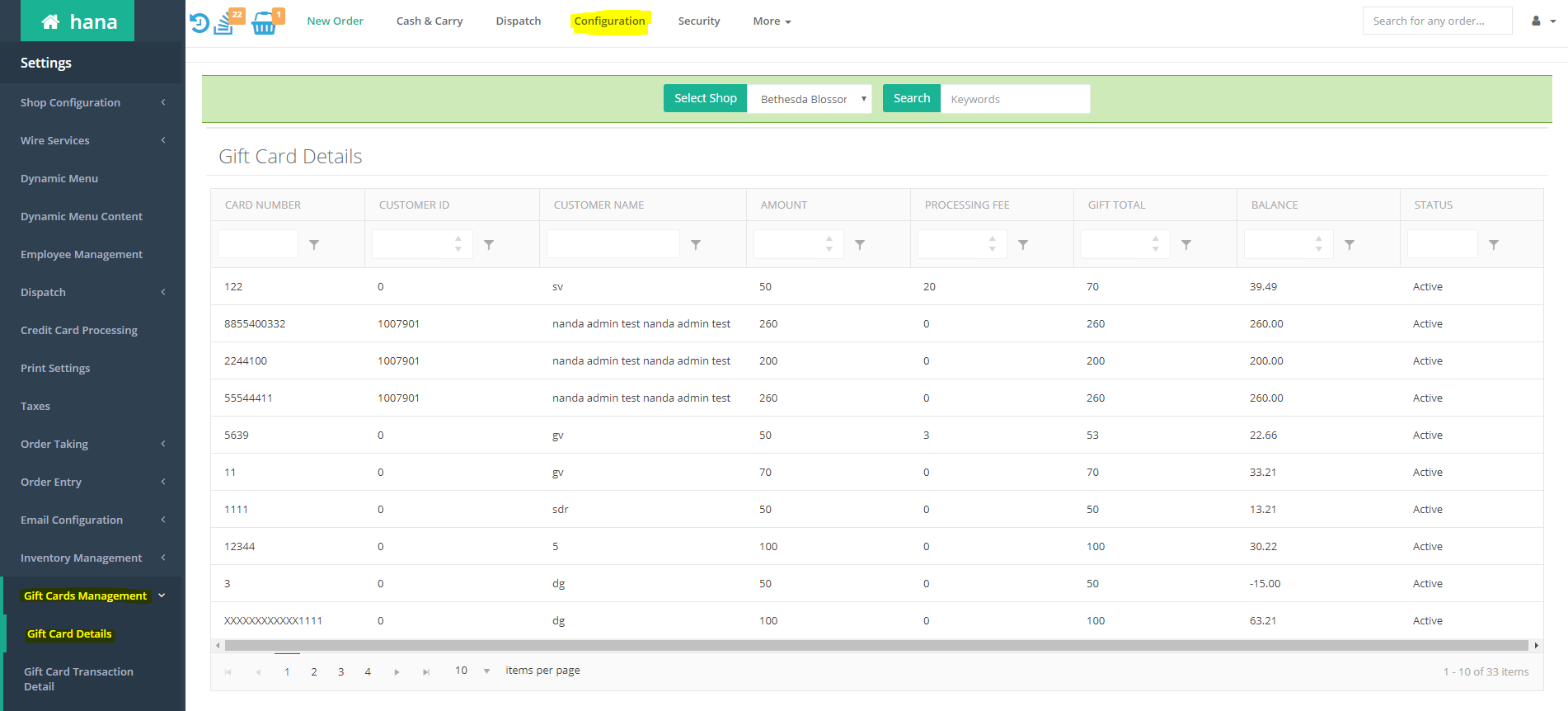
Note: To view Gift Card balances, Go to Configuration, click Gift Cards Management, then click Gift Card Details
Was this article helpful?
That’s Great!
Thank you for your feedback
Sorry! We couldn't be helpful
Thank you for your feedback
Feedback sent
We appreciate your effort and will try to fix the article